November 11th, 2025
Date Range Presets
Date Range Presets
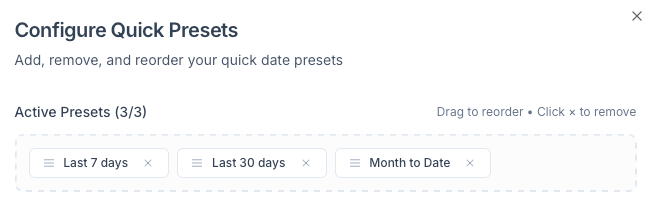
We’re excited to roll out Date Range Presets for both the Overview Pages and Tables, giving you faster, more consistent workflows every time you open Shortimize.
🎯 What’s New:
Save custom date ranges as presets for your daily workflows
Set default date ranges so your Overview and Tables always load with your preferred filters
🔧 How It Works:
In the Overview Page: Select a custom date range → below the calendar, click “Save as Default” or “Save Custom”

In Tables: Open the date range dropdown → click the ⚙️ cogwheel icon to manage and save presets
