January 8th, 2026
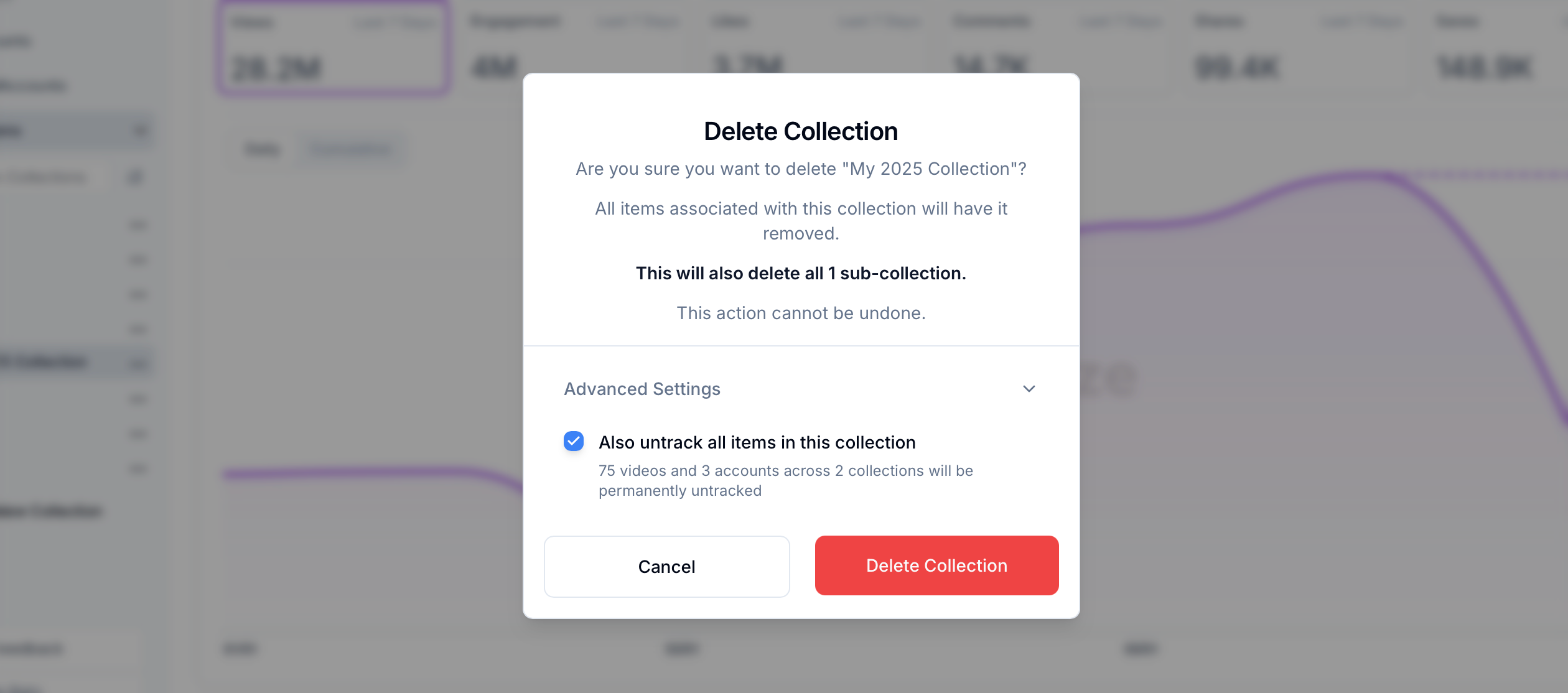
Bulk Untrack on Collection Deletion
We've added a powerful new option to help you manage your tracked items more efficiently. When deleting a collection, you can now simultaneously untrack all the videos it contains.
What This Means for You
Efficient Cleanup: Think of it as deleting a folder and its contents in one go. You can now remove a collection and stop tracking everything inside it with a single action.
Save Time: No more manually untracking videos one by one after you've deleted their collection.
Bulk Management: This makes it easy to stop tracking entire groups of videos or accounts that are no longer relevant to your work.
How It Works
When deleting a collection, expand the "Advanced" options.
Check the box to also untrack the videos inside.
Confirm the deletion.